
You can create an external team in administration.
- Select Launchpad > Go to Admin > Teams > External Teams.
- Select the Organisation to which the external team belongs from the Switch Organisation drop down in the top right of the screen. This is important as it will define the level of access an external user has to the application.

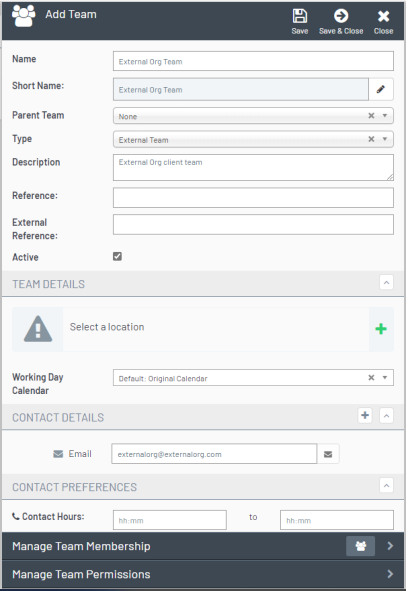
- Click Add Team to open the Add Team Navigation blade.

- Enter the team Name.
- Optionally enter any further information in the other available fields (as with an Internal Team it is important to get the correct Type as this will determine the team member's functionality).
- Click Save.
Review
You have now successfully created an external team. You can manage the Team Membership and Permissions from the Navigation blades at the bottom of the Add Team blade.