
Approvals are special task types that require you to either approve or reject something. This could be the approval of a document, or the application of a fee to something.
The approval task displays in your worklist. You can also use the special approvals views under ‘my worklist’ on the workbench to view your approvals.
Use Notifications to receive emails about your approvals, or that you are waiting for from someone else. Go to you notification settings (the speech bubble on the top menu bar) and update your notification preferences for approvals.
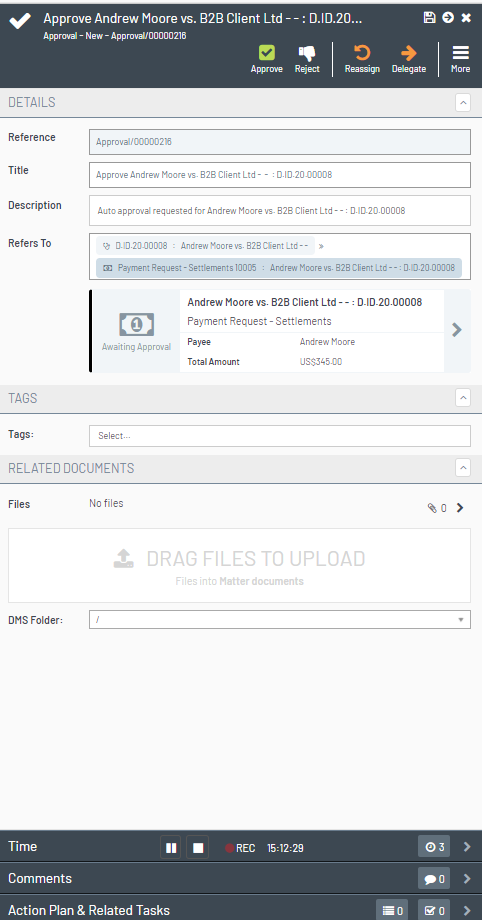
Click in the Refers To area to see more details. For documents you can view them.
Use Comments to add any further information about an approval or a rejection.
Use the Approve or Reject buttons at the top of the screen to make your decision.
You cannot send a document until it has been approved.