
What Does the Widget Do?
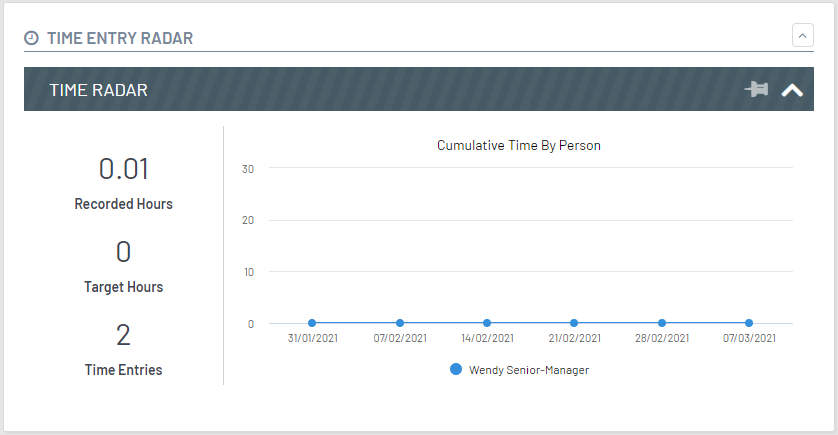
The Time Entry Radar widget tracks time spent on your case by person.
Configuration Settings
| Setting | Description |
|---|---|
| With Chrome | Will display your widget as a self-contained tile with a title and an expand/collapse button. |
| Title | Title must be provided if With Chrome is switched on. |
| Icon | The Font Awesome icon that will be displayed next to the title on your widget. |
| Display Deliver Cost Structure Targets | Defines whether you show the time target for a case. |
| Filter Persona | Defines which personas will see the widget in the UI. |
| Filter Phase | Defines which phases the widget can be seen in, if not defined it will default to 'visible in all phases'. |
| Filter Features | The widget can be aligned to a feature so the widget is only shown when the feature is enabled. |
| Filter Security | The widget can be aligned to a permission so the widget is only shown to users with the specified permission. |